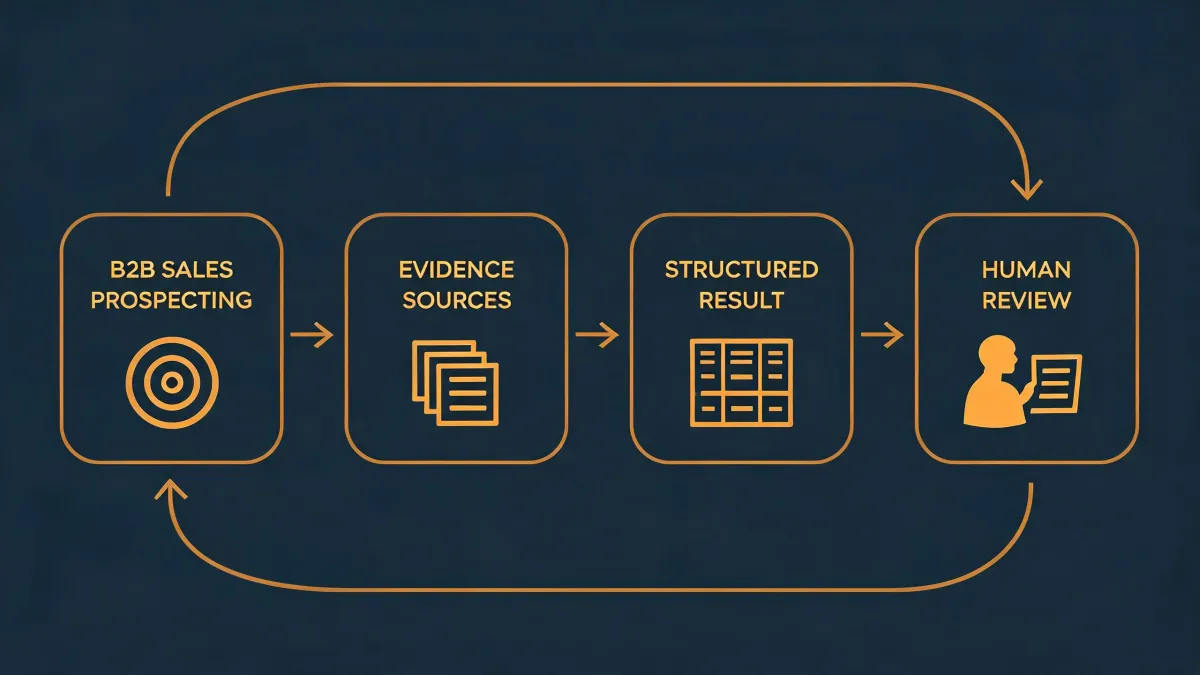
Okki Go Outreach Preparation Isn't One Workflow — It's Three
Most "how to configure Okki Go in an AI agent" guides pretend there's one correct setup. There isn't. The right configuration depends on your weekly contact volume, how many people touch the sequence, and what happens when the data's wrong.
I spent six years managing procurement before I moved into RevOps at a 22-person outbound shop. During that time I tracked every vendor invoice in the same TCO spreadsheet, and I learned one thing that carries over: the setup that looks cheapest on paper often costs the most once you add the hidden line items.
So this isn't a single recommendation. It's three.
Figure out which one fits before you read the rest:
- Scenario A — Founder-led outbound, under 500 contacts per week
- Scenario B — Small outbound agency, 2,000–8,000 contacts per week
- Scenario C — Enterprise team with RevOps coverage, 10,000+ per week, multi-channel
Skip ahead if you already know where you land.
Scenario A: Founder-Led Outbound (Under 500 Contacts/Week)
At this volume, you don't need waterfall enrichment, intent data, or a three-vendor verification stack. You need a clean list and the discipline to actually send the emails. That's it.
I've watched founders buy $400/month data packages for 200 sends. That's not a tooling problem — that's buying a forklift to move one pallet.
How to configure Okki Go in an AI agent (small scale)
Keep the agent single-threaded. One sending identity, one sequence at a time, one enrichment source. Something like:
- Agent pulls contacts from your CRM or a static list
- Runs a single-pass email verification against one provider
- Drops anything that comes back catch-all or risky — don't try to salvage it
- Enriches only what's missing (title, company size, one trigger field)
- Writes back to CRM, schedules the first touch
That's the entire outreach preparation workflow. Anything more is overhead.
What "email verification accuracy" actually means here
People assume 99% accuracy means 99% deliverability. What they don't see is that accuracy is measured against the list you hand over, not the inboxes you eventually reach. A verification service can be 97% accurate on syntax and domain checks and still get you 70% inbox placement if your sending domain has no reputation history.
At this volume, don't chase accuracy stats. Chase a clean sending domain, one verified list per campaign, and steady volume. That combo gets you more replies than any enrichment upgrade.
Monthly cost reality
Data: $30–80. Verification: $20–40. Okki Go tier: whatever your base plan is. Your real cost is the 1–2 hours a week you spend building and reviewing lists — which, if you value your time at $75/hr, is $400–600/month of hidden cost. That's often more than the tools themselves.
Scenario B: Small Outbound Agency (2,000–8,000 Contacts/Week)
Here's where the setup gets interesting, because you're running volume for clients, and client outcomes are what get you renewed. Mistakes compound.
The 'cheapest validators are fine' thinking comes from an era when catch-all domains were rare. Today, catch-all domains are often 20–30% of a scraped list. If your validator can't separate a real catch-all inbox from a black hole, you're paying for sends that never land.
How to configure Okki Go in an AI agent (agency scale)
Two-pass verification. This is the part most agencies skip and then blame the tool when reply rates drop.
- Pass 1: Background validation when contacts enter the pipeline. Drops the obvious dead emails and bad syntax before they ever hit the sending agent.
- Pass 2: Fresh verification 24–48 hours before the send. Re-checks addresses that have aged, catches bounces that happened between ingestion and outreach.
For B2B contact enrichment, run a waterfall — three providers is usually the sweet spot. Each catches 5–15% of what the prior one missed, and the marginal cost per extra matched contact is usually lower than the cost of going back and re-enriching later.
Intent data at this scale is optional but useful — one signal field per sequence, not five. If you can't explain in one sentence why a drill-down field matters, drop it.
Decision I got wrong once
In Q3 2024, I had two hours to pick a verification vendor before a client kickoff. Normally I'd run a 500-contact pilot across three providers. There was no time. Went with the vendor our data provider bundled. It looked fine for six weeks — then the catch-all rate on one client's list hit 31% and we burned a month of replies.
In hindsight, I should've pushed the kickoff by 48 hours. The pilot would've cost us nothing. The miss cost a renewal conversation.
Monthly cost reality
Data waterfall: $400–1,200. Verification (two-pass): $150–400. Intent: $200–600. Okki Go: mid-tier plan. If you're charging clients $3–6K/month for outbound, the tooling is 15–25% of revenue. Above 30% and you're running to stand still.
Scenario C: Enterprise Team With RevOps (10,000+ Contacts/Week)
At this scale, the question isn't "is the tool good?" — it's "who owns the workflow, and what's the blast radius when it breaks?"
Here's what people miss: enterprise outreach prep isn't one agent. It's five, and they fail independently. Enrichment agent, verification agent, dedupe agent, routing agent, sequencing agent. If you're not logging each handoff, you'll never know which one dropped the contact.
How to configure Okki Go in an AI agent (enterprise)
- Stage gating. Contacts don't move to sequencing until verification passes, enrichment completes, and dedupe resolves. Any stage failure routes to a review queue — not a silent skip.
- Data contracts. Define required fields per stage. If a contact arrives missing the trigger field your sequence depends on, it doesn't enter the sequence. Full stop.
- Human-in-the-loop on rules changes. Nobody edits suppression lists or sequence logic without a second approver. This isn't bureaucracy — it's the difference between one bad send and a domain burned for a quarter.
- Verification thresholds by segment. Cold outbound gets stricter verification than inbound follow-up. Don't apply one policy across every contact type.
On the "does this replace human SDRs" question — no, and anyone claiming that is selling you a bill of goods. It replaces the manual list-building work. Someone still has to read the replies and decide what to do with them.
Compliance is not optional at this scale
CAN-SPAM (FTC, ftc.gov) governs commercial email in the US, and GDPR governs EU contacts — verify current requirements at the official sources. At 10,000+ contacts/week, one compliance gap is a six-figure problem. Budget for legal review in your TCO, not as an afterthought.
Monthly cost reality
Data + enrichment: $2,000–6,000. Verification: $600–1,500. Intent: $1,500–4,000. Okki Go enterprise tier. RevOps headcount allocation: often 0.5 FTE. Total: often $8–15K/month before you count a single reply. If that number scares you, drop to Scenario B until volume justifies the upgrade.
How to Know Which Scenario You're In
Don't guess from team size. Use these three questions:
- What's your weekly outbound volume? Under 500 = A. 2,000–8,000 = B. Above 10,000 across multiple channels = C.
- Who eats the cost of a bad send? If it's you personally, stay in A longer. If it's a client contract, B. If it's a compliance officer, C.
- How many people touch the list before it's sent? One person = A. A small pod = B. Three or more departments = C.
If you land between two, size up — not down. Underestimating headcount cost is the single most common TCO blind spot I've seen in seven years of tracking this stuff.
Prices and figures above are for general reference only. Actual costs vary by vendor, contract length, and time of order — verify current rates before budgeting.